



Berhenti launching website sambil deg-degan takut ada yang kelupaan. Semua yang kamu butuh untuk merilis website cepat & siap-SEO — dalam satu spreadsheet.
Setiap mau launching website rasanya sama: belasan tab kebuka, ratusan hal harus diingat, dan tetap khawatir ada yang terlewat. Toolkit ini mengganti semua itu dengan satu file rapi.
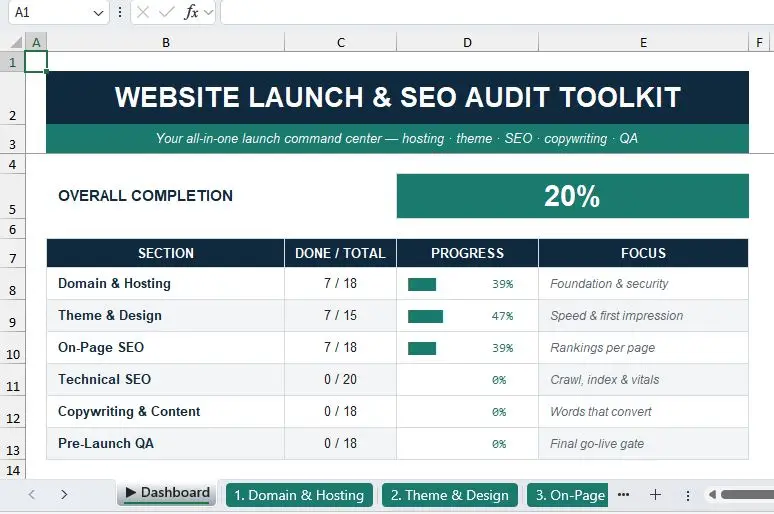
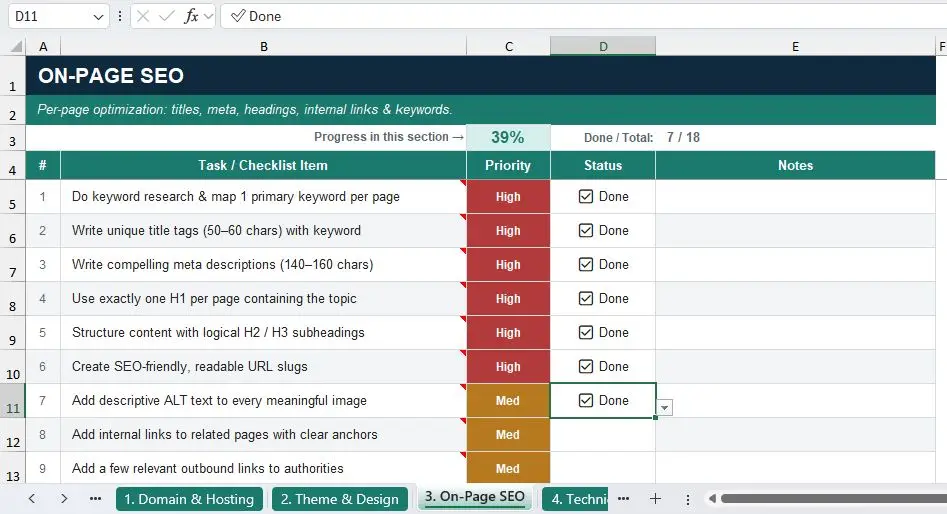
File ini menuntun kamu langkah demi langkah: mulai dari hosting & keamanan, tema & desain, on-page dan technical SEO, copywriting yang menjual, sampai pengecekan akhir sebelum go-live. Tinggal ubah status tiap item ke ✅ Done, dan dashboard-nya otomatis menghitung progresmu. Tanpa plugin, tanpa login, langsung pakai.
Mau untuk website sendiri atau garapan klien, ini checklist yang bakal kamu pakai ulang di setiap proyek.
Isi paket:
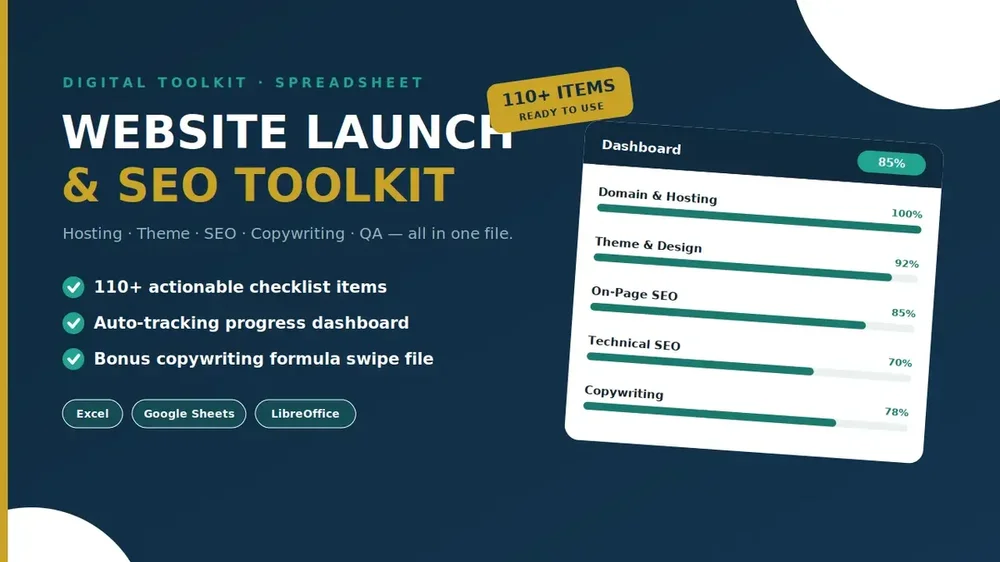
✅ 6 checklist, 110+ item — Domain & Hosting, Tema & Desain, On-Page SEO, Technical SEO, Copywriting, dan QA Pra-Launch
📊 Dashboard otomatis — progress bar tiap bagian, update sendiri saat kamu mengisi
🎯 Label prioritas (High / Med / Low) biar tahu mana yang dikerjakan duluan
💡 Tips pakar — arahkan kursor ke tiap item untuk baca catatan singkat
✍️ Bonus: Swipe File Rumus Copywriting — AIDA, PAS, BAB, template headline, bank CTA & power words
🔁 Bisa dipakai berkali-kali — gandakan untuk tiap website baru
Bisa pakai di Excel, Google Sheets & LibreOffice. Download instan, tanpa plugin.
Cocok untuk: freelancer, web designer, agensi, blogger, pemilik UMKM, dan siapa pun yang mau launching website tanpa ada yang terlewat.