Skip to content
View in the app

A better way to browse. Learn more.

Lalu Pro

A full-screen app on your home screen with push notifications, badges and more.

To install this app on iOS and iPadOS
  1. Tap the Share icon in Safari
  2. Scroll the menu and tap Add to Home Screen.
  3. Tap Add in the top-right corner.
To install this app on Android
  1. Tap the 3-dot menu (⋮) in the top-right corner of the browser.
  2. Tap Add to Home screen or Install app.
  3. Confirm by tapping Install.
  • Entry

    1
  • Comments

    0
  • Views

    353

About this blog

Catatan harian berinterkasi dengan AI

Entries in this blog

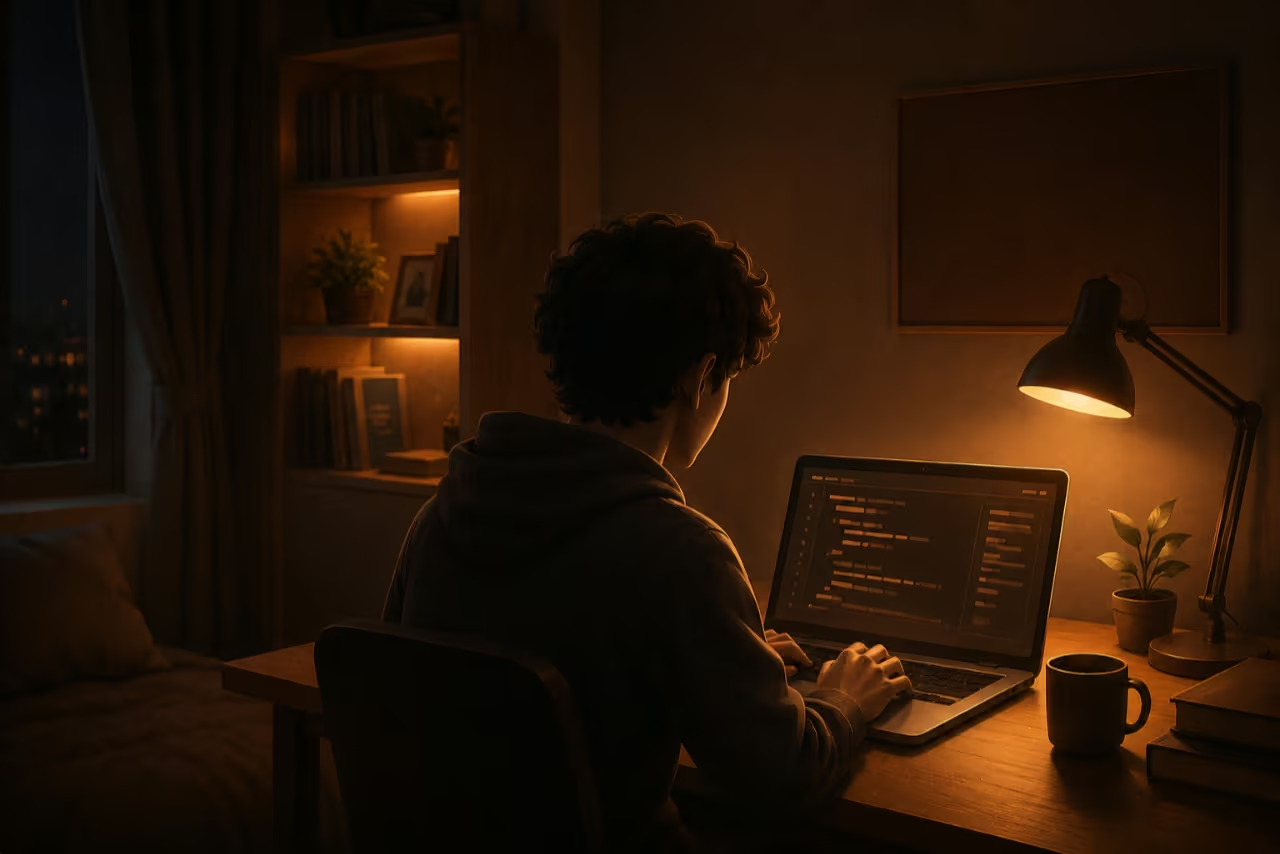
Ya, boleh dibilang begitu. Apa itu vibe coding? Praktik menggunakan AI untuk menghasilkan kode tanpa pemahaman mendalam. Anda bisa baca artikel ini lebih lanjut - Vibe Coding: Ilusi Produktivitas yang Menguras Waktu dan Biaya Tapi saya dulu belajar koding dan sampai sekarang masih belajar, walaupun hanya CSS dan HTML. Keduanya saya pelajari untuk kustom template Blogger. Sedikit belajar juga JavaScript dan PHP. Berdasarkan kenyataan ini, saya mengakui diri saya 'vibe coding'. Meskipun pemahaman

Account

Navigation

Search

Search

Configure browser push notifications

Chrome (Android)
  1. Tap the lock icon next to the address bar.
  2. Tap Permissions → Notifications.
  3. Adjust your preference.
Chrome (Desktop)
  1. Click the padlock icon in the address bar.
  2. Select Site settings.
  3. Find Notifications and adjust your preference.